by admin | May 30, 2024 | InBiteSize
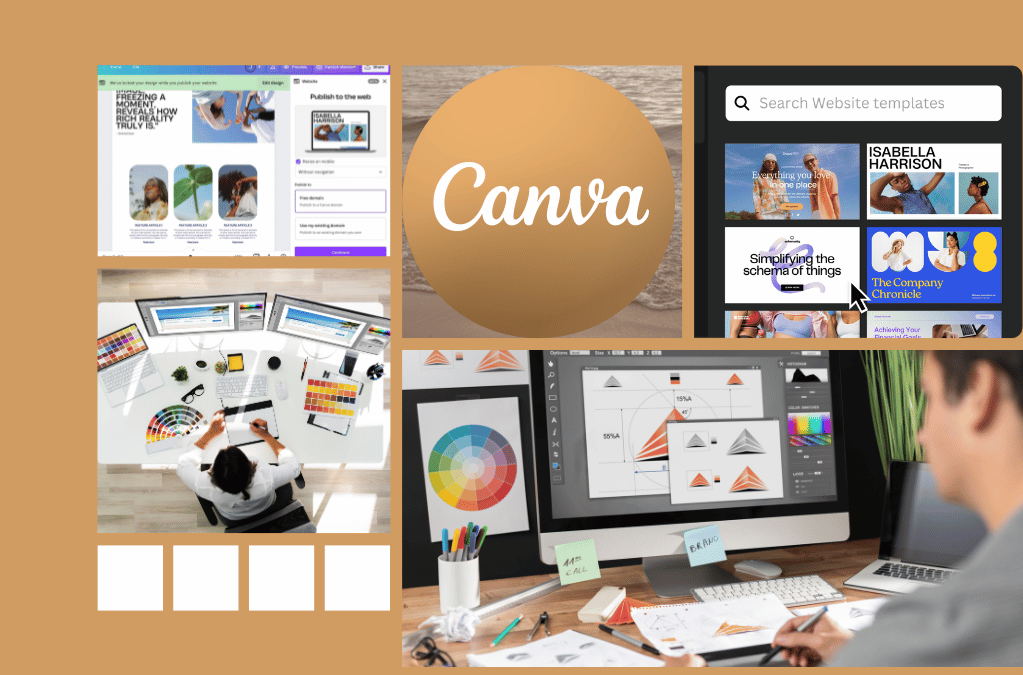
I don’t know about you, but whenever I see an aesthetically beautiful presentation, the presenter instantly gets my attention. Of course, there’s more to an effective presentation than its looks. However, I trust that you have your own experience and/or domain experts on your side to ensure your content is worthwhile. The hard part is making your content stick, and as a consultant, it should be your goal that your participants walk away with actionable steps. In today’s blog, we’re going to introduce to you Canva, a freemium graphic design powerhouse to help you, help your organization.
By background, I am a software engineering professional to the core. The only content that I created before being introduced to Canva were slides for meetings and the occasional flyer to advertise an upcoming event. On top of that, my experience with graphic design was whatever I could muster with the smart diagrams and clip art found in Microsoft PowerPoint and Google Slides. Therefore, I’m probably missing out on a lot of capabilities that Canva has to offer, and I won’t do this platform justice…
However, we want you to swallow any fear or anxiety you may have and dive right into this world of graphic design with us. The good thing is that Canva is easy to get started with and has a great user interface. So, today, we will highlight how we have used this platform to generate workshops, publicize events, and tell a story to inspire innovation, engagement, and creativity.
Generate Workshop
As a freemium tool, Canva has a mixture of templates, graphics,and layouts for basically any use case from teaching a concept to pitching a product to playing a game. In most cases, the free version is enough. You’re able to use a good number of layouts and elements and share your content across your organization.
In our case, we often use the presentation template to generate content for our workshops. First, we choose a theme like “minimalist design” or “technology startup.” After that, we add our content just like we normally do for a PowerPoint presentation. Like the other tools on the market, you’ll be able to share your content with your peers so that they can edit it with you. Finally, we leverage Canva’s flairs, such as its library of elements that includes graphics, photos, videos, and more to tie our presentation together. The cool part is that once you select a particular thematic element, like plant imagery to reflect growth, its AI capabilities will suggest similar items for you to include in your presentation. From there, you’re free to present within Canva or download it as a pptx or pdf file. Note that when you download it, you might lose some of Canva’s features. However, its presentation mode is very similar to Powerpoint’s in which you can add timings and see your speaker notes.
In addition, one of the benefits of upgrading to Pro is that you can import your organization’s brand toolkit. This comes in handy if you want to replace the colors of its out-of-the-box graphic or slide layouts with your own. That way you can tailor the layouts to fit your needs and create a sense of consistency as you move from one project to the next.
Publicize Events
Now that you have your workshops created, you’re probably thinking about how you’re going to advertise it. Canva has an answer for that with its wide range of social media designs that can be shared on Instagram, Facebook, and Linkedin. Beyond that, it also has designs for print, which include flyers and posters.
Recently, we hosted an Objective Key Results workshop and wanted to generate buzz and excitement. We leveraged Canva’s LinkedIn Video ad templates to create a 30 second animated ad. Once we figured out our content, it only took us one hour to put it together. First, we searched for designs that were centered around teaching and education. After that, we changed the content to match our context. Finally, just like we did for the workshop itself, we replaced the elements to match our workshop’s theme. Voila. We had an engaging video that highlighted the workshop’s details and benefits. It could also be shared across all our social media platforms with ease.
When making ads, it may come in handy to unlock some of Canva Pro’s features. For example, you will need Pro if you want to change the audio. You’ll also need the upgraded version to download your creation as a mp4.
Tell a Story
As you read in our previous use case, Canva shines because it allows us to tell a story by building upon a theme. Each of its capabilities, from logo creation to personal uploads to its brand toolkit, lets you create a seamless experience for your co-collaborators and your audience.
For example, one of our favorite use cases of Canva was when we used it to throw an innovation week for our organization. Our theme for the week was to develop something that was “out of this world.” We created our own space theme logos and used them in our presentations and flyers. Each day our team was excited for the morning report, and we had the most teams participating ever.
In another use case, we were creating the pitch for our organization’s internal hackathon. For our hackathon, we were showcasing the power of OpenAI models to create a chatbot to support our internal users. My organization is a gaming company, and Canva had the perfect video game themed design for us to tell our story. We used Canva’s existing graphics to show how our protagonist leverages the power of AI to automate our help desk. Although we didn’t win, we received a lot of praise for our video.
Engage your audience today
In conclusion, Canva is the perfect tool for your day-to-day employee to get started with graphic design. With its collection of templates and graphics, you’ll be sure to find something that fits your needs. However, remember, a tool is only as good as the content you have, so use Canva with caution. Don’t go overboard with all the neat offerings and forget your goal: to empower your teams to be the best they can be. Do experiment and get feedback on the features that your audience appreciates. And, if you’ve found a special trick, be sure to comment below. We are still unlocking all it has to offer, too.
Want to learn about the other tools we have in our toolkit? Check out our articles on Kintone and Confluence. Need to work on your mindset instead? Check out our review on Multipliers & Drive.
by admin | May 16, 2024 | InBiteSize
Having the right amount of documentation is an art. Often a team either has too little or too much of it. Either way, each scenario decreases the effectiveness of a team because team members are either waiting for someone to validate their work or sifting through mounds of READMEs, files, and folders searching for answers.
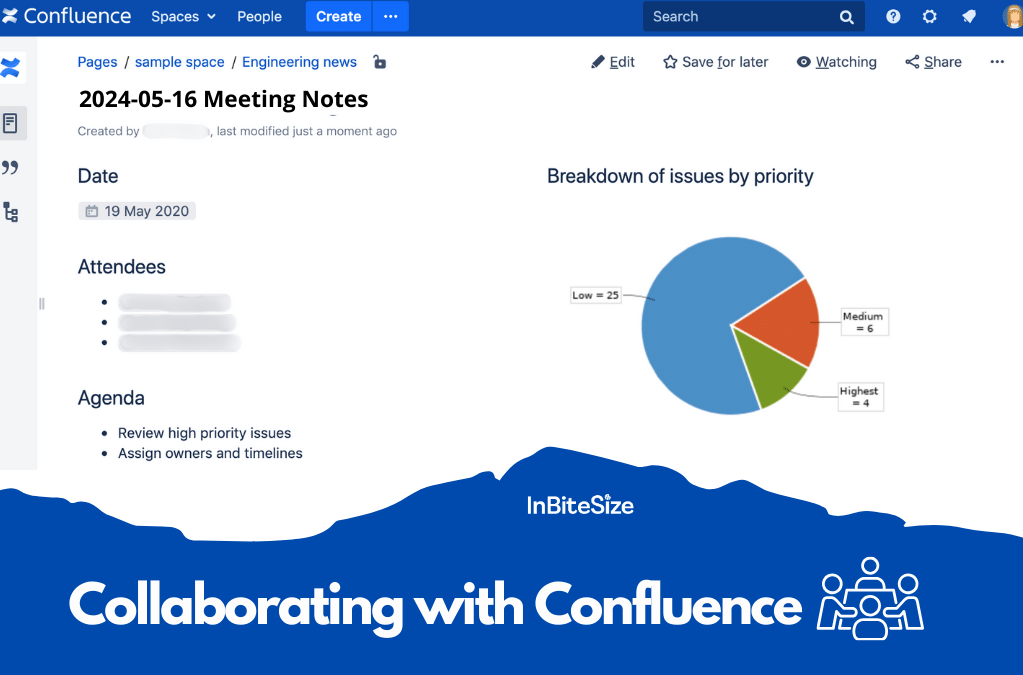
In today’s blog, we’ll be talking about Atlassian’s Confluence, and we’ll be sharing how we leverage some of its capabilities to:
- Simplify team processes
- Engage with our stakeholders, and
- Enable asynchronous communication
What is Confluence
Are you a fan of Wikipedia? Then, you can think of Confluence as an organization’s internal wiki where folks can share a plethora of information. In Atlassian’s words, Confluence’s tagline is “create, share, and harness knowledge across teams” by breaking down silos and harnessing the power of teamwork.
In simpler terms, Confluence is made up of spaces and pages, which are protected by permissions. A space is a container to hold the pages and other bits of content relating to a particular purpose. For example, we have a space for our team and another for our department. I also have another space where I share agile knowledge with folks all across my organization. Each of these spaces have different types of content and cater to a different audience.
Pages are like the articles of this blog or the various topics you come across when you’re clicking through Wikipedia. They come blank like a Google Doc or a new Microsoft Word document. From there, you fill the page with information given your intent. For example, we have pages that describe our team and our goals. Beyond that, we have pages to document our use cases and customer personas and capture our meetings’ actions and decisions. The world is your oyster. You can leverage Confluence based on your use cases.
On top of all these are permissions that you and/or an admin can set to protect sensitive items. If you’d like a crash course in Confluence, check out their Atlassian University. They’ll do a better job describing their product that us!
Now that you’ve learned more about Confluence, we’ll share one of the many ways we use it to strengthen collaboration across our teams.
Simplify your team processes
In my world, we often have processes that are repeatable and followed by all members of our teams. To ensure we operate as effectively and efficiently as possible, our team creates SOPs, runbooks, and meeting agendas. Each of these artifacts has its own template that we customized to fit our team’s needs. Templates help ensure we capture the right information each time. Because these artifacts have a consistent format, it’s easy for us to search for content, too. For example, if I’m looking for actions from a meeting, I know that I can look at the top of the page to find the content. As a bonus, Confluence has tons of templates that come out of the box.
Something else we use to simplify our processes are tags. Think of tags as hashtags on Instagram posts. In our case, we use tags to tie together similar content that may be organized under different parts of our navigation tree. For example, we have a tag for meetings and another tag for our knowledge articles. If we’re struggling to find a page, we can always click on a tag to find all articles related to that content.
Engage with your stakeholders
Along with aligning our team, we also leverage Confluence to engage with our stakeholders. The two features that we use are blogs and calendars. For example, we use blogs to send release notifications to our customers at the end of every sprint. The way blogs work is that they automatically follow a sort order by date in the navigation tree. Therefore, our customers know to look at the top blog post to find the latest feature releases, limitations, and issues that are occurring.
Calendars work similar to Microsoft Outlook or Google Calendar. In our calendar, we highlight key company holidays, code freezes, and release dates. Each of these categories have their own color scheme. Therefore, our customers can sort through the information that is pertinent to them and make adjustments as needed.
Enable asynchronous communication
No one has ever said that he or she would like more meetings. To support asynchronous communication, we use the comment function. With some of the features listed above (e.g. calendars and pages), folks can actively comment inline or in the comment sections of each article.
I have a global team that works with groups all across the company. For our architecture security reviews, we actively use the comment function to highlight gaps. For example, a USA-based security analyst may ask a question about connectivity. Overnight, a UK-based engineer, can review the comment and provide details. If more detail is needed, we can always meet. However, most times we can resolve issues before ever having to send a meeting invite!
A note about the alternatives
If your organization does not have licenses to use Confluence, there are many other tools on the market, such as Microsoft’s OneNote and Google Docs. Each has its own sets of pros and cons, which we’ll write about another day!
Remember, tools are not the answers to your problems. Rather, they are the stepping stones that support you and your teams on your journey to greatness. To get started, think about the challenges you and/or your stakeholders are facing and then, shape your tooling to address those gaps.
Be sure to comment below and share how your teams are using tools to elevate their experience.
Looking for other ways to increase collaboration on your teams? Check out our other articles, including Microsoft Whiteboard: The Secret Powerhouse and Collaborate with Mural.
by admin | Mar 24, 2024 | Events
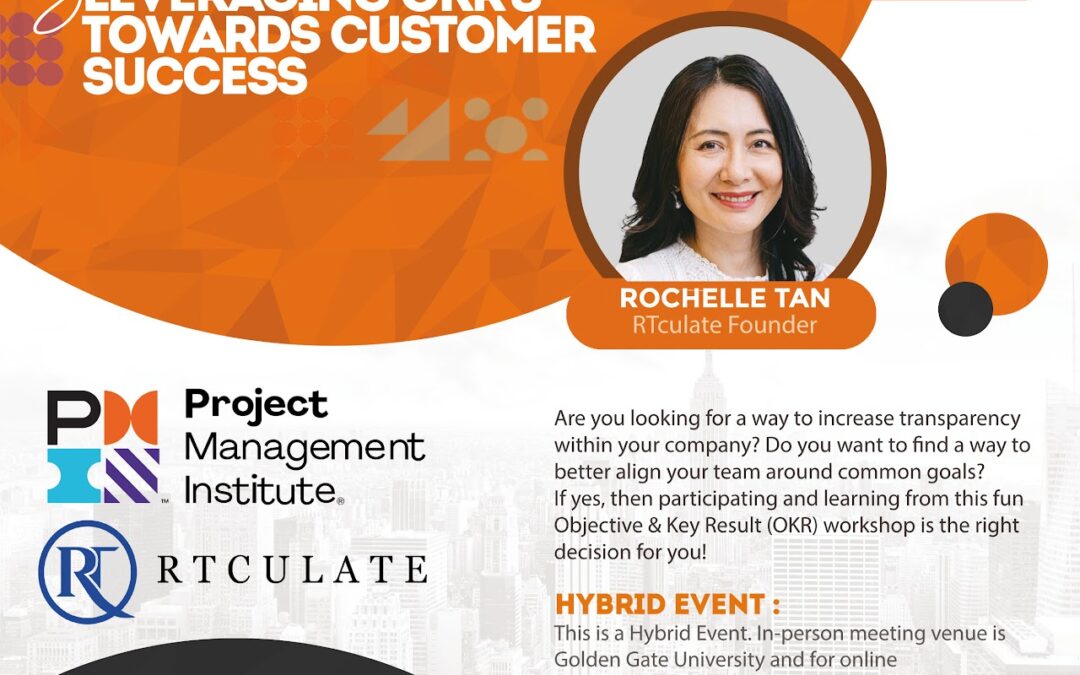
Are you looking for a way to increase transparency within your company?
Do you want to find a way to better align your team around common goals?
If yes, then participating and learning from this fun Objective & Key Result (OKR) workshop is the right decision for you!
OKR’s have gained much popularity given the success it has brought to companies, such as Google and CISCO. The concept is quite easy, but many organizations struggle to reap the full value of this model. At its worst, OKR creation and application is seen as a chore or a disruption to doing actual work. Resulting in to teams questioning the usefulness of OKR’s. This session is meant to convey the value of OKR’s and how to promote its effective use through an interactive and fun workshop : More doing, less talking.
Date: May 18th, 2024 (Saturday)
Time: 9:00 am – 12:00 nn
by admin | Mar 19, 2024 | InBiteSize
TPM, Scrum Master, portfolio management. Although I’ve been living and breathing this world these past several years, it may all sound like jargon to you. I would have never imagined that I would be in the position that I’m in today. Why? Well, I was extremely shy in college and dreaded any class that revolved around participation points or Socratic discussion. I could go on, but that’s a tale for another day…
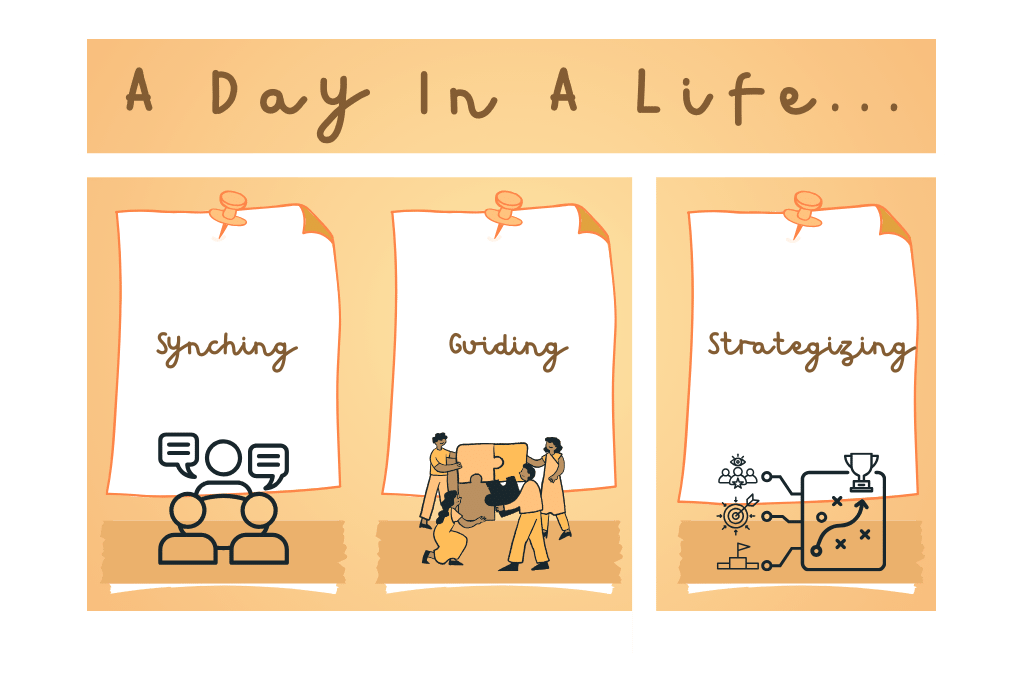
Instead, today, I’m going to bring you into my world and give you a taste of the day in the life of a technical program manager (TPM). Note that every company and even different departments within a single organization may have a different view of the roles and responsibilities of a TPM. However, I like to think that this role can be broken down into three parts.
- Synching
- Guiding
- Strategizing
Also, I don’t have a clear definition of a TPM. I’ll leave it up to you to summarize your findings based on what you read here and see across the various industries. This role has quite a bit of ambiguity. Those that do well excel at taking initiative, managing relationships, and organizing information. If you’d like to learn more, be sure to comment below!
My mornings are busier than most since I work with a global team. Therefore, I usually meet with my counterparts and delivery teams to understand where we are in achieving our commitments. If I prepare well, I will also meet with TPMs we have dependencies with to ensure we resolve any conflicts and align on any changes to the timeline.
Beyond the work itself, synching aims to grow technical expertise and strengthen relationships among my various team members. This could be done by reviewing a bug and understanding its root cause. Or, we could just take the first few minutes to be human and share anything that’s on our minds and take us away from our work. Since we have such a short time together, we must come together with a purpose.
Hence, the bulk of my job revolves around guiding my leaders and teams. Guiding can take on many forms. I could facilitate a technical discussion between multiple, cross-functional teams on integrating our applications. On other days, I’m coaching our leadership teams and providing recommendations on improving employee engagement or our product. Then on other days, I’m representing our team and providing the pros and cons of our technical solution and why it’s the best path forward.
Each day is different. It all depends on the needs of my teams and our products. I have to listen closely and assess the verbal and non-verbal cues–which can be tricky in a hybrid and global environment–and decide what action to take. This means I could fall back and let my tech lead drive the discussions or step up and challenge our thinking.
Given that I started as a scrum master before entering program management, I have a stronger-than-usual relentless improvement mindset. After lunch, I review the notes from my morning engagements and take note of any relationships I need to improve, processes to simplify, or escalations. If I miss a meeting, I’m one of the few that goes back through a recording! Why? Often, I want to make sure I understand the decisions that were made especially if they revolve around architectural design.
After that, I spend the rest of the afternoon building plans that support the improvement of work execution and delivery. I also check in with various people to refine my recommendations, manage delivery expectations, or get feedback. It is a bit tricky because I work with folks in Europe. By the afternoon, they are well into their bedtime, so I try to provide offline updates and look for ways to improve communication.
At the end of the day, I usually take a step back and check in to see how my work aligns with my team’s overall goal. From there, I find 1-2 items to focus on the next day and then enjoy my evening.
In the end, this is one of the many different ways a TPM goes about his or her day. For me, it’s all about providing my technical expertise to ensure that my teams deliver value as effectively as possible. There are some days I lean more into the coaching, while on other days I’m working with stakeholders to determine the best path forward. The variety is what makes it challenging and interesting.
Curious to learn more? Be sure to check out our InBiteSize podcast or learn how we’re expanding our toolkit through books.
by admin | Feb 24, 2024 | Events
In today’s demanding market, it requires the whole organization’s synchronized effort to stay ahead of the competition. Unfortunately, many organizations run the risk of obsolescence. These companies suffer from some form of misalignment and lack of transparency. Making it difficult to meet its customers’ needs.
This session will dive deep into how a fintech company embarked on their transformation journey. (more…)